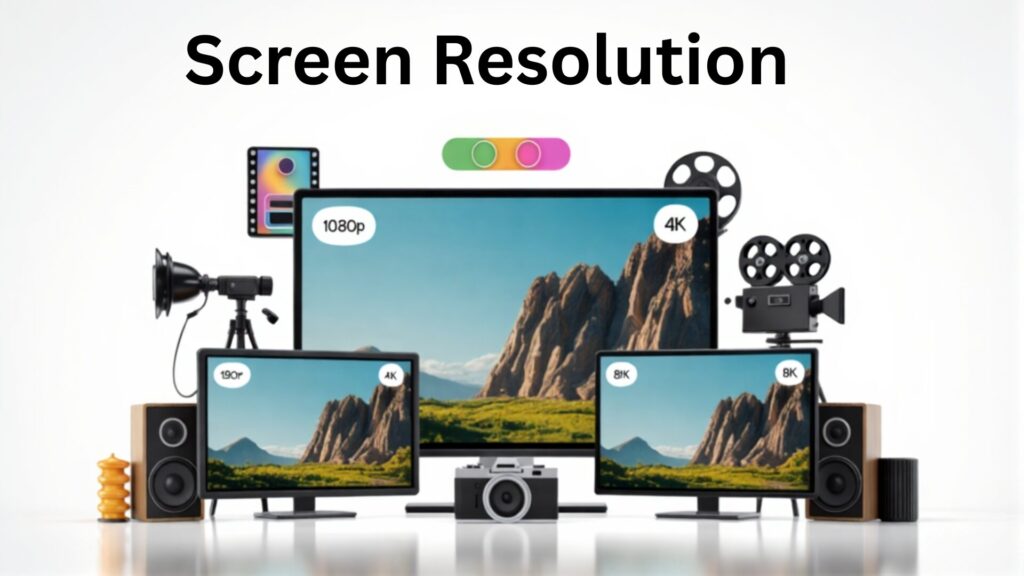
At fast moving digital world, display technology is evolving faster than ever. Whether you are buying a new TV, upgrading your computer monitor, or planning a video production project, you have probably come across terms like 1080p, 4K and 8K. These numbers refer to a screen’s resolution, which affects how sharp, clear and detailed the picture looks.
With more people creating and consuming videos daily, understanding what these resolutions mean can help you make a smart choice whether you are a casual viewer or a professional working in video production.
What Does Resolution Mean?
Resolution refers to the number of pixels on a screen. Pixels are tiny dots of light that work together to create the images you see on your TV, monitor, or phone. Think of pixels as small building blocks: the more blocks you have, the more detailed and sharper the image becomes.
Higher resolution means clearer, sharper, and more detailed images. This is why a movie, video game, or photo looks better on a 4K TV than on a 1080p TV, especially if the screen is large.
Quick breakdown:
- 1080p (Full HD): 1920 × 1080 pixels (~2 million pixels)
- 4K (Ultra HD): 3840 × 2160 pixels (~8 million pixels)
- 8K: 7680 × 4320 pixels (~33 million pixels)
Why Does Resolution Matter?
- Clarity: Higher resolution makes images appear sharper, showing more details like textures, hair or leaves in nature scenes.
- Screen Size: Bigger screens benefit more from higher resolution. On small screens, the difference between 1080p and 4K might not be noticeable.
- Storage & Processing: Videos with higher resolution take up more storage space and require faster computers or devices to run smoothly.
- Streaming Needs: Watching high-resolution content online needs faster internet. For example, 1080p works well with slower connections, 4K needs at least 25 Mbps, and 8K demands extremely fast internet.
In short, more pixels = better image quality, but it also comes with higher demands on your devices and internet speed. Understanding resolution helps you choose the right screen or video settings for your needs. Whether you’re watching movies, playing games, or creating professional video content.
1080p Resolution (Full HD)
Pixel Count: 1920 × 1080 (~2 million pixels)
Best For: Budget buyers, casual TV watching, standard streaming and small screens
Advantages:
- Cost effective and reliable
- Compatible with most media formats
- Low internet requirement
Drawbacks:
- Less detail on large screens
- Not ideal for TVs that are above 55 inches
4K Resolution (Ultra HD)
Pixel Count: 3840 × 2160 (~8 million pixels)
Best For: High definition viewing, gaming, large screens and future ready setups
Advantages:
- Four times the detail of 1080p
- Widely supported by streaming platforms and modern consoles
- Better color, brightness and HDR
- Great for gaming
Drawbacks:
- More expensive than 1080p
- Needs faster internet (25 Mbps+)
8K Resolution
Pixel Count: 7680 × 4320 (~33 million pixels)
Best For: Professionals, filmmakers, designers, large commercial displays and high end home theaters.
Advantages:
- Unmatched detail and clarity
- Professional applications in video, design, and medical imaging
- Cutting edge technology
Drawbacks:
- Very limited content available
- Expensive equipment
- Heavy processing and storage requirements
How to Choose the Right Resolution
| Resolution | Best For | Notes |
| 1080p | Budget buyers | Small screens, casual viewing, slow internet |
| 4K | Most users | Large screens, gaming, streaming, future proof |
| 8K | Professionals & enthusiasts | Maximum detail, large screens, specialized uses |
Screen size and its guideline:
- 32 inches or smaller: 1080p is enough
- 55 inches and above: 4K recommended
- 75 inches and above: 8K for full impact
Conclusion
Choosing a resolution depends upon your screen size, budget and content that you needs:
- 1080p: Reliable and affordable
- 4K: Ideal for most users, balancing quality and cost
- 8K: Best for professionals or enthusiasts needing extreme detail
Understanding the differences between 1080p, 4K and 8K helps you to make the right choice whether you are producing video, buying a new TV, editing videos or creating high quality content.
What is the difference between 1080p, 4K and 8K?
1080p has ~2 million pixels, 4K ~8 million and similarly 8K ~33 million. Higher resolution improves image sharpness but requires more storage, processing power and faster internet.
Which resolution is best for gaming?
4K is ideal, offering sharp visuals without the extreme hardware demands of 8K. 1080p works for casual gamers on smaller screens.
Do I need 8K for home use?
Usually not. 8K is best for professionals or very large screens. Most streaming content is still 4K or 1080p.
What resolution should I choose for a 55-inch TV?
4K is recommended for 55 inches and above to ensure crisp visuals.
Does higher resolution require faster internet?
Yes. 1080p works with slower connections, 4K requires ~25 Mbps, and 8K needs extremely fast interne